Bring your thinking to the page
Choose your desktop browser, install SparkColors and open the sidebar on a page you want to read.
Choose a browser
Your first few minutes
- 01

Chrome desktop example Open the sidebar
Open SparkColors, sign in and select a passage on a web page.
- 02
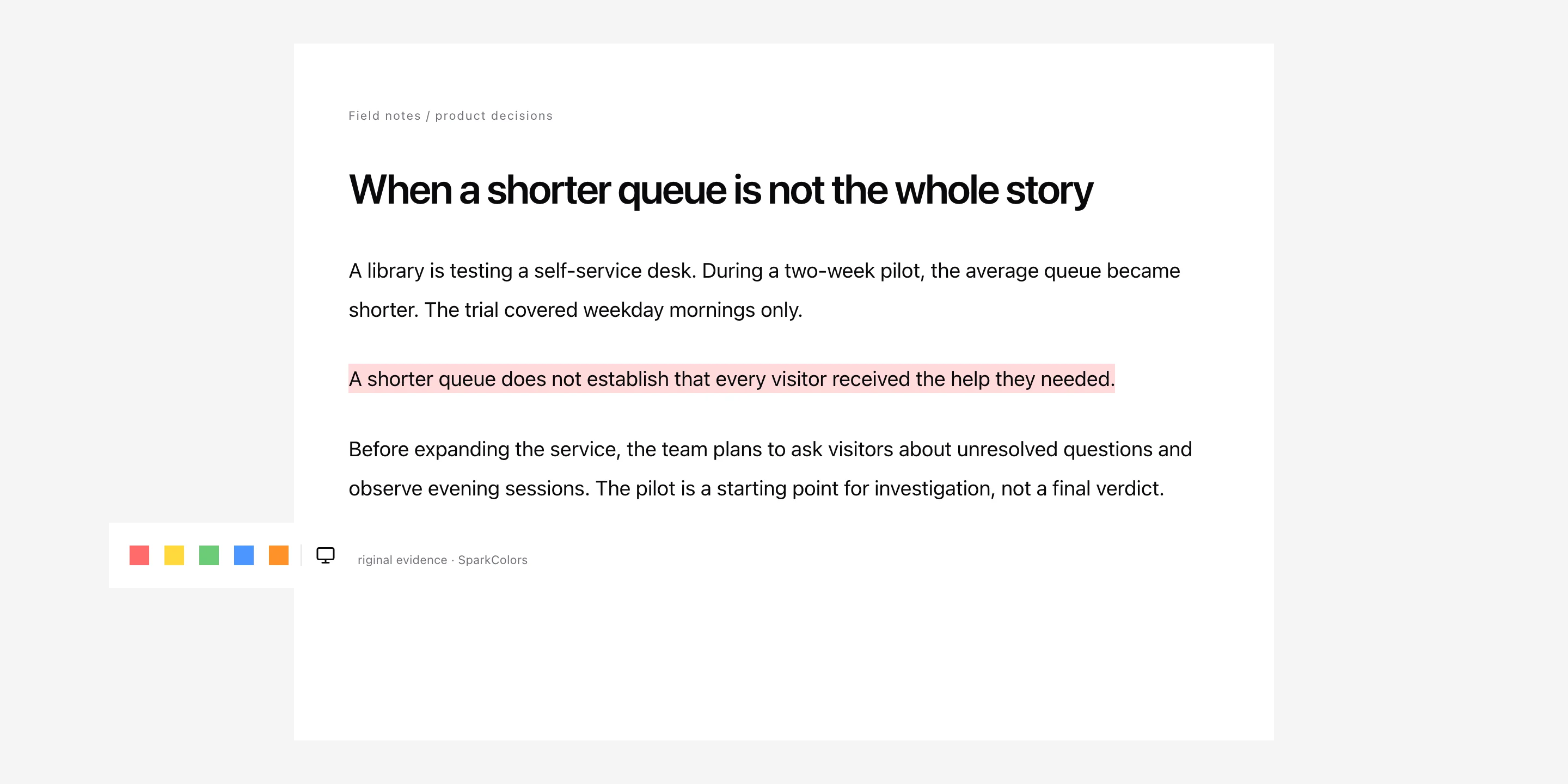
Real components · sample content Make your first mark
Highlight a passage and return to its original context.
- 03
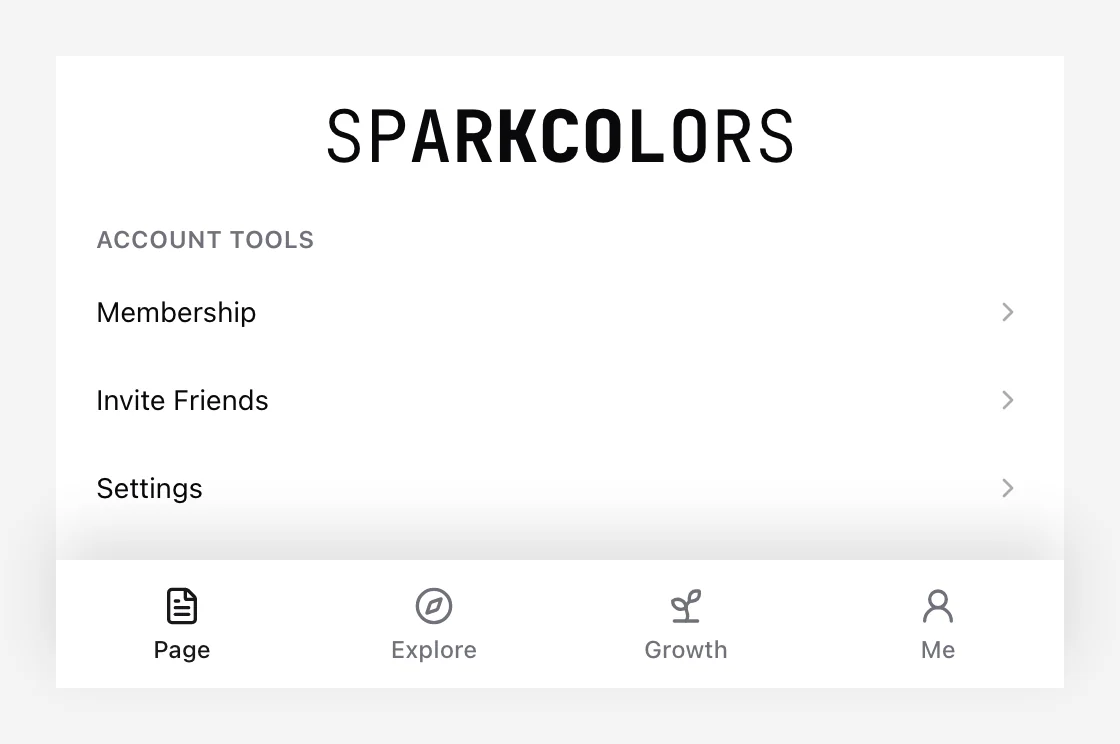
Real components · sample content Open membership
In SparkColors, open the membership section and follow its website link. That link securely opens your account here so you can buy Pro or manage orders.
Open your membership from the extension
In SparkColors, open the membership section and follow its website link. That link securely opens your account here so you can buy Pro or manage orders.